Connect MessageDesk to 9000+ Apps with Zapier
Automate messages, sync data, and keep your workflows running while you focus on what matters.

.webp)


Integrate your current tools & automate your text messaging workflows.
Using tools like HubSpot, QuickBooks, or Google Forms? Perfect. MessageDesk talks to your other apps automatically via Zapier.


Triggers from your texts
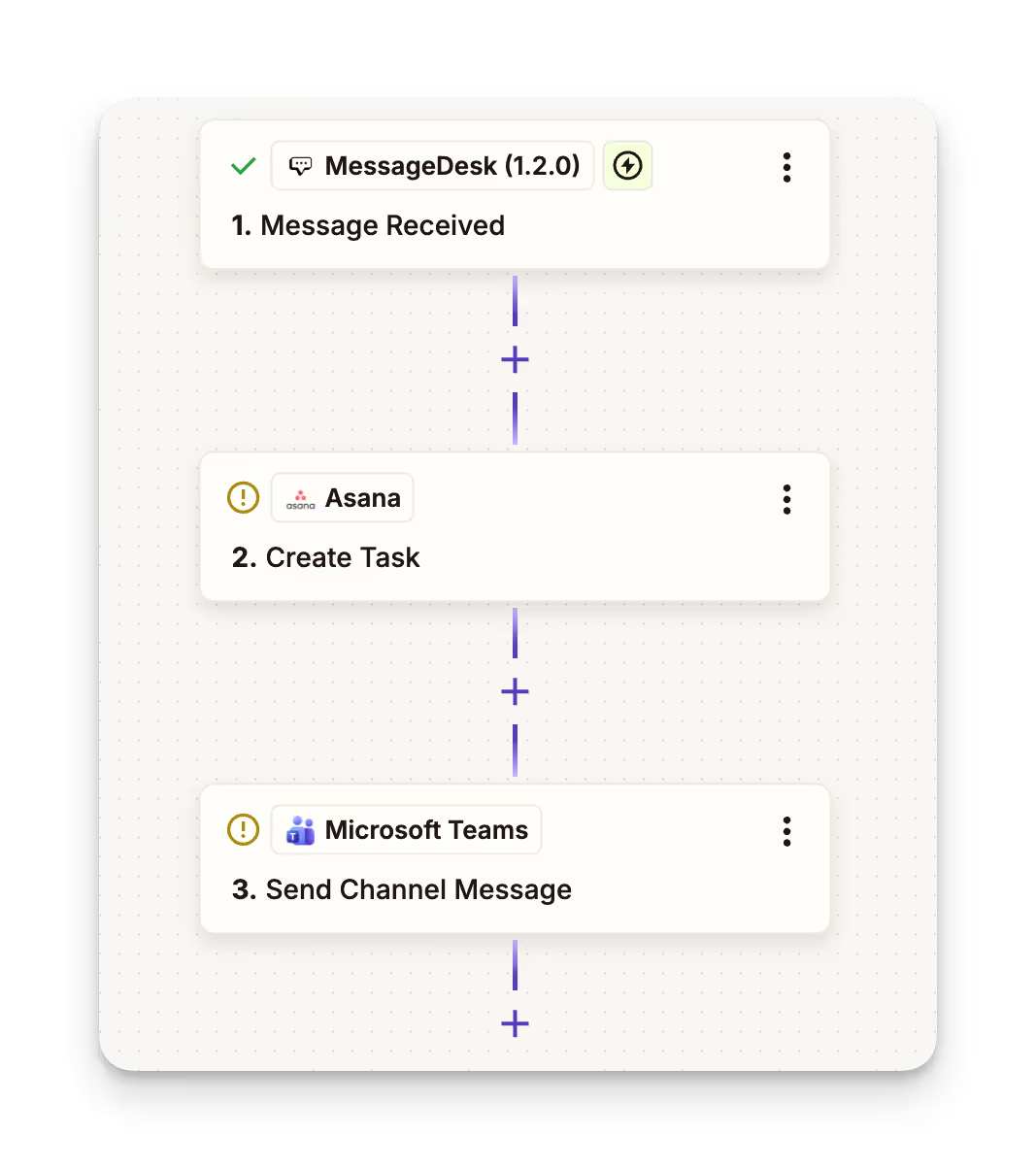
When a message is sent or received in MessageDesk, Zapier can create helpdesk tickets, update CRM records, or post alerts to Slack or Teams.
Actions from your apps
When something happens in your CRM or form tool, Zapier can create a contact, send a personalized text, or add an internal comment in MessageDesk.
Build workflows that run while you work.
Turn routine tasks into automatic actions without developers, intensive setup or headaches.


1-on-1 and automated texting
From new leads to payment confirmations, MessageDesk sends the right text at the right time automatically.
Work smarter across apps
Every app your team depends on can now talk to MessageDesk. When things happen, messages send instantly and automatically.
How to connect your MessageDesk account to Zapier:

Request early beta access
Sign up here to join the Zapier beta.

Log in to Zapier
Log in to your Zapier account or create a new account.

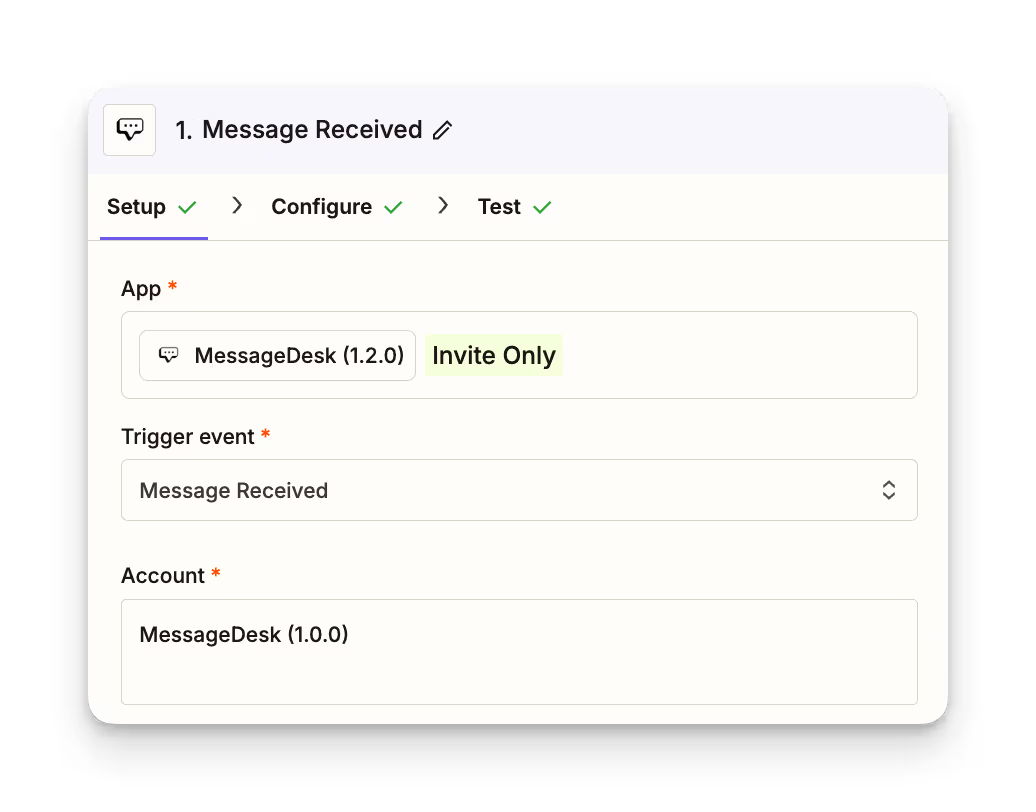
Add MessageDesk (Invite Only)
Choose MessageDesk v1.2.0 from the Zapier app directory.

Set your triggers and actions
Message Received → Create ticket or Slack alert
Message Sent → Update CRM or log activity
Form Submitted → Create contact + send message
FAQs
Frequently asked Zapier integration questions.
No. Zapier is 100% no-code. Just connect your MessageDesk workspace and pick your triggers and actions.
Over 9,000, including: HubSpot, QuickBooks, Google Sheets, Slack, Microsoft Teams, Zoho, Pipedrive, Typeform, and many more.
✅ Format all phone numbers in E.164 (+15551234567).
✅ Test automations with real data before enabling.
⚠️ Each Zap sends one message per run.
🧩 Use filters to limit Zaps to relevant events.
Yes. Zapier is a third-party application. It requires a separate subscription in addition to your MessageDesk subscription. Check out Zapier's pricing.
Yes. All messages sent through Zapier follow MessageDesk’s compliance standards, including opt-out (“Reply STOP”) and carrier registration requirements.
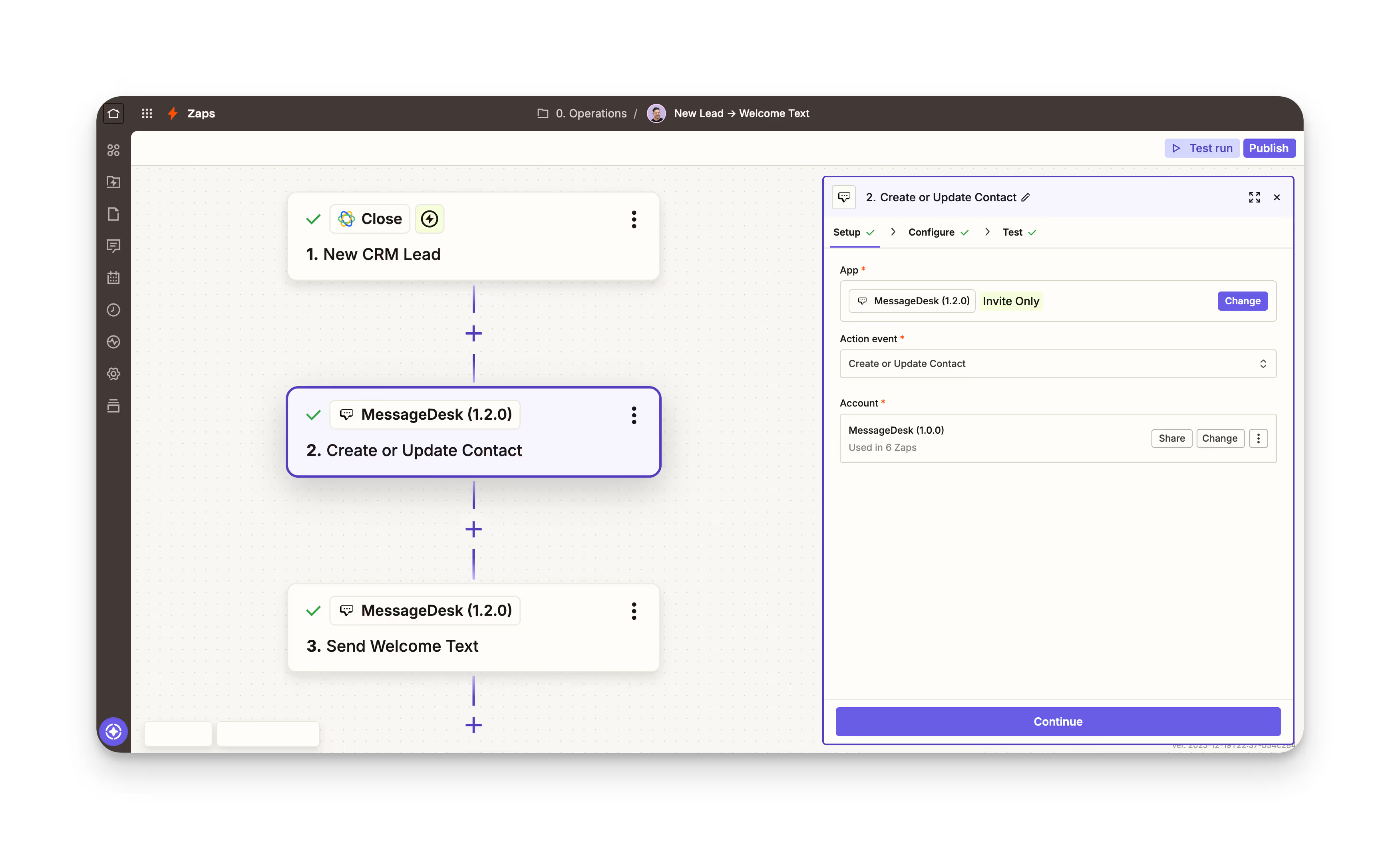
1. New CRM lead → Add to MessageDesk + send welcome text
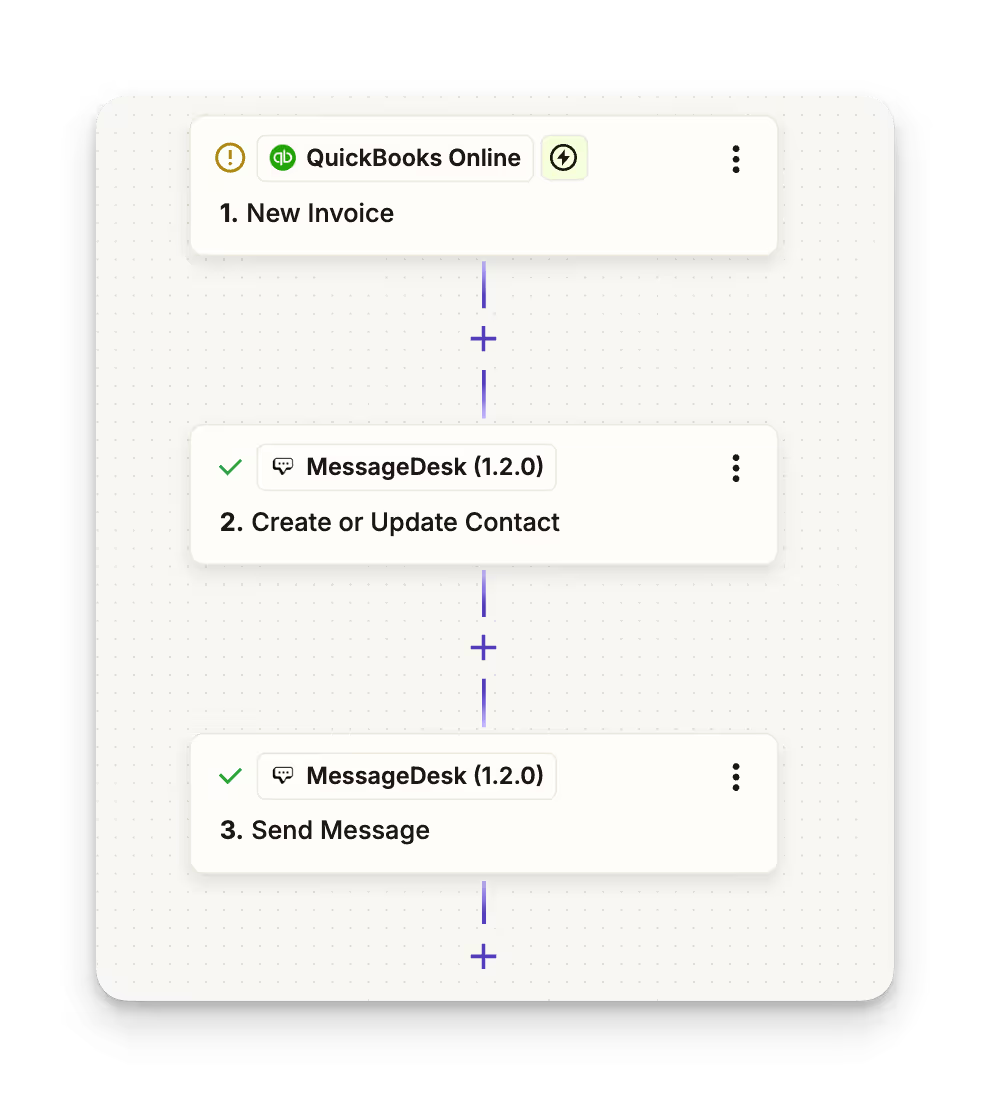
2. Invoice created in QuickBooks → Send payment confirmation
3. New message received → Notify teammates in Teams
4. Appointment booked → Send reminder text
5. Form submission → Add contact + comment in MessageDesk
6. Customer review → Send thank-you message
Additional Zapier texting resources.
Check out these additional integration resources.

Can Zapier Send Text Messages? Zapier SMS Integration Guide


SMS Phone Number Guide | How to Choose Phone Numbers for SMS
Automated Text Messages | Automated Texting Service Guide
