The Texting Inbox Built for Operations Teams
One Inbox for your whole team, tied to your existing numbers. Get the access, automation, and audit log that basic texting tools lack.
Keep your phone system. Just add texting.

 4.6
4.6 SOC 2 Type II-certified platform
Problem
Does the way you text today work for your whole team?
Many texting tools lack what an operations desk needs: per-number access controls, handoffs, a system of record, and automation built around the way you work.

Passing around a company phone?
Whoever has the phone has the texts. No way to text as a team.

Texting with Google Voice or personal numbers?
One number, one login, no team. No way to track conversations.

Can your landline or VoIP system text at all?
Webex, Teams Phone, landlines: if not text-enabled, texts go nowhere.

Is your current texting tool working for operations?
Text marketing tools and texting on phone systems aren’t enough.
Solution
Your phone lines and texting in an inbox the whole team can work in.
A customer texts the front desk. HR texts out benefits reminders. After-hours replies go out before anyone’s back. All in an inbox tied to the numbers your people already use.
Dispatch & delivery
No load gets lost in a shift change.
Every shift picks up conversations right where the last left off. Assign texts and hand off with an internal comment, all off personal phones.
Inbox →HR, staffing & recruiting
Every new hire is textable the day they’re in the HRIS.
The roster in your HRIS is the one you text from, and nobody retypes it. Import or sync contacts and custom fields from your ATS, CRM, or HRIS, then filter by what you already track.
Contacts →Safety & training
Prove every crew member saw the safety notice.
One message to all field staff, with the replies coming only to you. Ask for a “Yes” and see who sent one. Send a group text instead when the crew should see each other.
Broadcasts and group texts →





Healthcare & long-term care
Nobody waits until 8 a.m. for an answer.
After-hours texts get a reply before anyone’s in the office. Pick a Relay template, like an after-hours auto-reply or a label on anything that says “urgent,” and turn it on.
Relays →Multi-location teams
Every branch runs its own texting. HQ sees all of it.
Front desk, ops, and HR each see only what they need to. Set access to features, phone lines, labels, and conversations with custom roles and permissions.
Team, roles and permissions →Compliance & archiving
When legal asks who said what, you have it in minutes.
An auditable record of every text, by number. Search message history, export what you find, and see delivery rates and user activity in Analytics.
Analytics and archiving →Phone numbers
Four ways to start texting with MessageDesk
Whatever you text from today, you keep it. Here’s how it works.


 + more
Connect landlines and VoIP
Text-enable the numbers you already use. Your calls stay with your current provider.
Get new local or toll-free numbers
Get a dedicated 10-digit local or toll-free line. Forward calls to any number.

Connect Twilio numbers
Bring your own Twilio numbers and put a shared team inbox on top.
Migrate from another texting tool
Switching? Bring your numbers, contacts, and message history with you.
Works with US and Canadian business VoIP and landline providers.
 WhatsAppComing soon
 RCSComing soon
Who we’re for
Dispatch desks, field crews, HR teams, and the offices that run them
By team
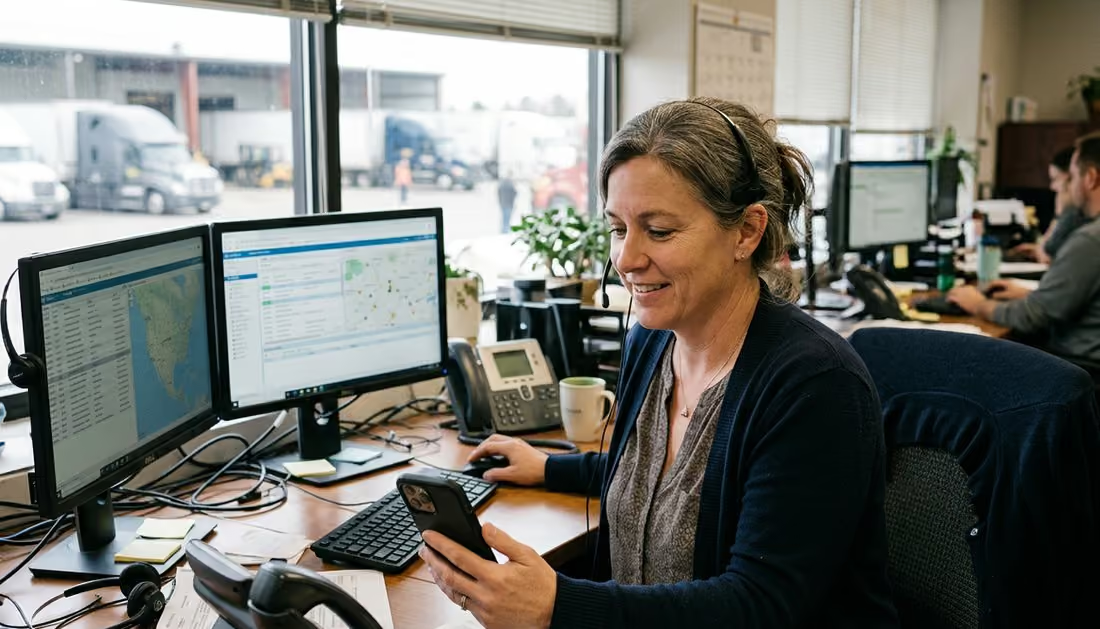
Dispatch and delivery
Drivers, routes, and schedules that change all day. All on numbers the whole desk can text from.
See Dispatch & Delivery
HR, staffing, and recruiting
Shift coverage and candidate replies, off personal phones and out of group texts.
See HR, Staffing & Recruiting
Multi-location teams
Number per location and access per team, all managed regionally or globally from your HQ.
See Multi-Location TeamsBy industry

Construction and materials
Crews out on job sites, customers on the main line. Everyone working from the same threads.
See Construction & Materials
Oil, gas, and energy
Crew, safety, and HR coordination across sites, on the numbers field crews already call.
See Oil, Gas & Energy
Healthcare and long-term care
Shift coverage, staff coordination, and appointment reminders on the facility’s number.
See Healthcare & Long-Term CareNot sure where your operation fits? Talk to our ops experts →
Integrations
Sync with your existing tools.
Connect MessageDesk to your CRM, ERP, HRIS, or accounting and payments software to sync contacts, messages, and more.
















Customer stories
Operators in your industry use MessageDesk.
“Our dispatchers were texting 200+ drivers on their personal phones. MessageDesk fixed this. Now everyone texts on our company number. I’ve got visibility. They have accountability.”
Susan G.
Aggregate Plant Dispatch Manager
“We kept our same numbers and VoIP provider and were texting in a couple days. No downtime, no added configuration or headaches.”
Greg G.
IT Administrator, Legal Practice
“Calls and email don’t work for our rig workers. MessageDesk makes it easy for our HR coordinators to send texts for everything from onboarding to benefits.”
Alex S.
VP HR, Energy Services Company
Security & compliance
Get an auditable system of record for every text you send.
Search and export every message and internal comment. Your compliance team gets a record. Your IT team gets documentation.

Audit-ready message history
A full record of who said what, when, on all lines. Filter and export with images included.
SOC 2 Type II-certified platform
Request an audit report and control mappings for your IT or compliance team to review.

Built-in carrier registration
We guide US businesses through carrier registration and review the submission before carriers.

HIPAA compliance
Evaluation underway, with BAA support to follow. Keep PHI off SMS until then.
Pay for the seats you use, not the numbers you text from.
Starting at $29 per seat
$39 per seat month to month, or $29 per seat on an annual plan. Team starts at three seats, Pro has no minimum, and neither requires an annual contract.
Billed per seat, not per number.
