Get the Right Messages to the Right People
Automatically, Every Time.
Relays eliminate manual sorting and assignment, so your team responds faster and nothing gets missed.


.webp)

Automation that fits your flow, not the other way around.
🚚 Logistics & dispatch: Route delivery updates and pickup requests to the right coordinator in real time.
👩 HR & recruiting: Direct candidate and employee messages by topic and time to the right contact.
📑 Professional services: Auto-route and collect photos and docs, update status—no manual triage.
👷 Home services & trades: Assign quotes, tag urgent requests, and escalate unclaimed jobs.
❤️ Support & sales: Reply, label, and assign based on keywords like “quote,” “pricing,” or “help.”.
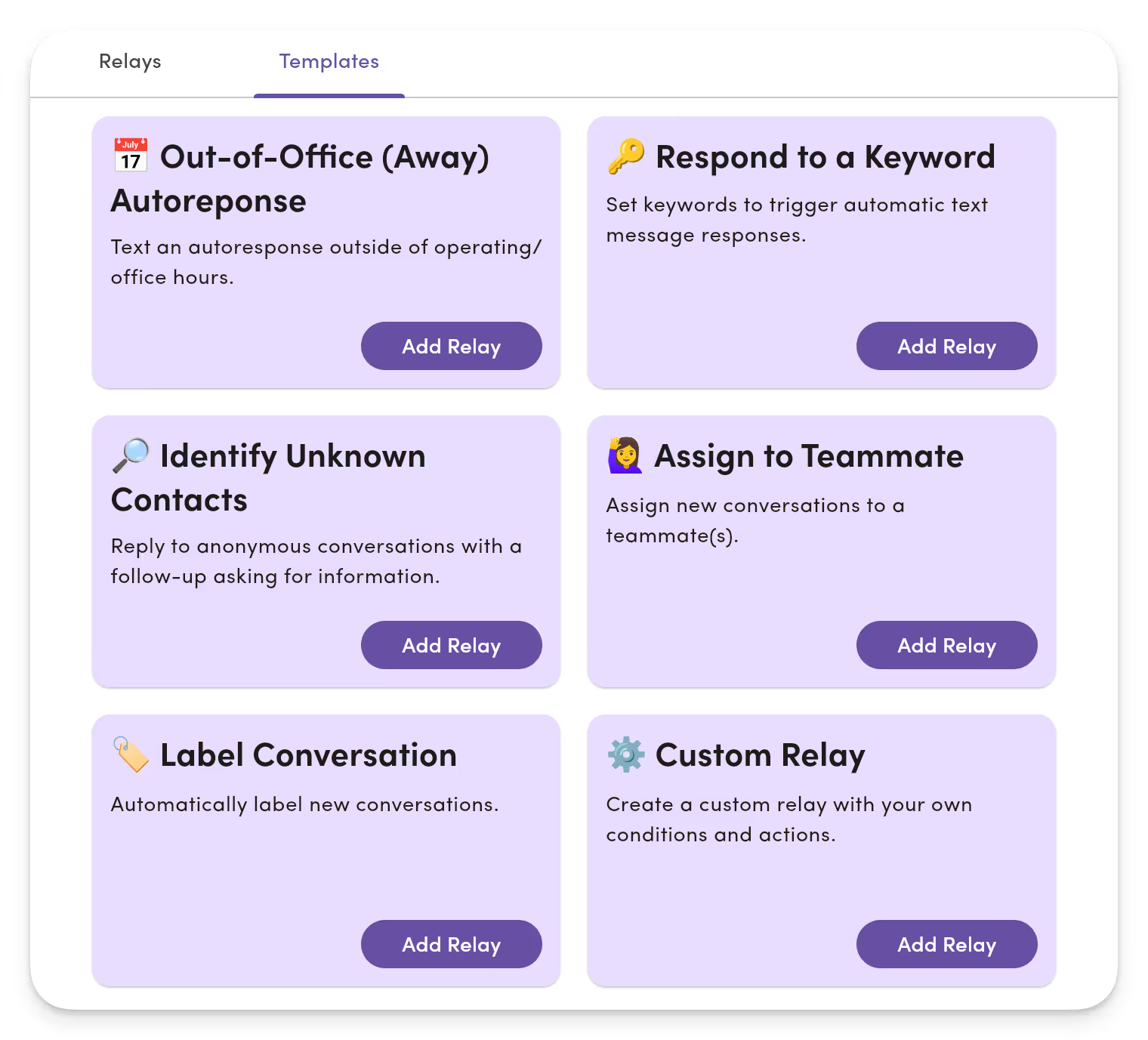
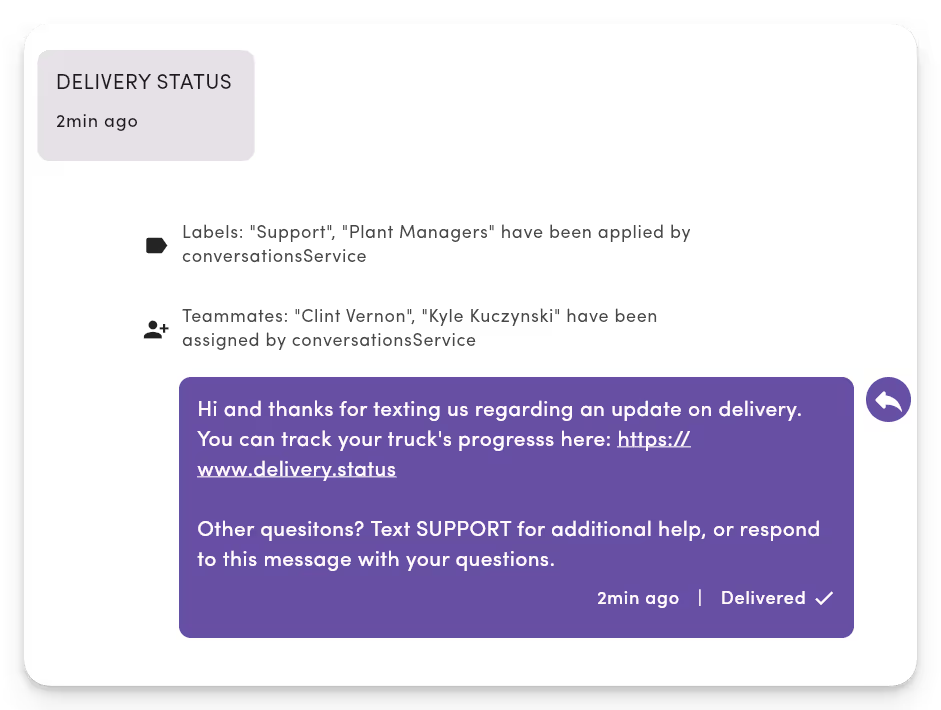
Set the right owner, labels, and Inbox without manual sorting.
Set the right owner, labels, and inbox automatically, without ever asking “who’s got this?”
- New conversations auto‑assign to the right person or labeled Inbox.
- Priority topics surface; low-value noise organizes itself.
- Nothing gets lost. Conditions (time, keyword, number) set conversations in an inbox view.
- Actions assign owners and apply labels so work starts immediately.
Make ownership obvious and triage automatic.
Every message finds the right owner and Inbox without manual triage or sorting.
- New inbound messages trigger workflows automatically.
- Conditions (time, keyword, phone number) route every message to the right Inbox view.
- Actions assign owners and apply labels so work starts immediately.
- Scales across lines and teams without adding manual steps.
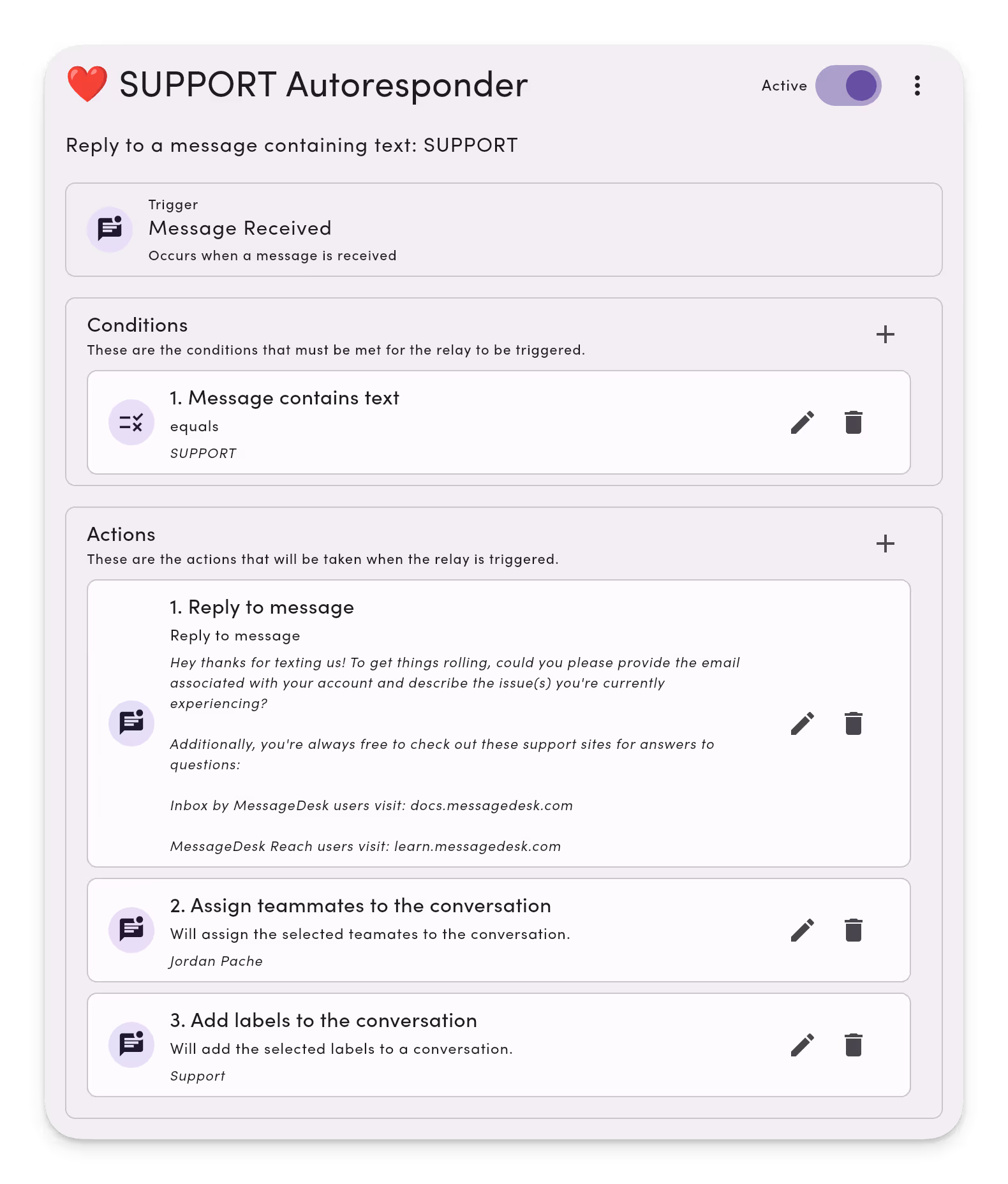
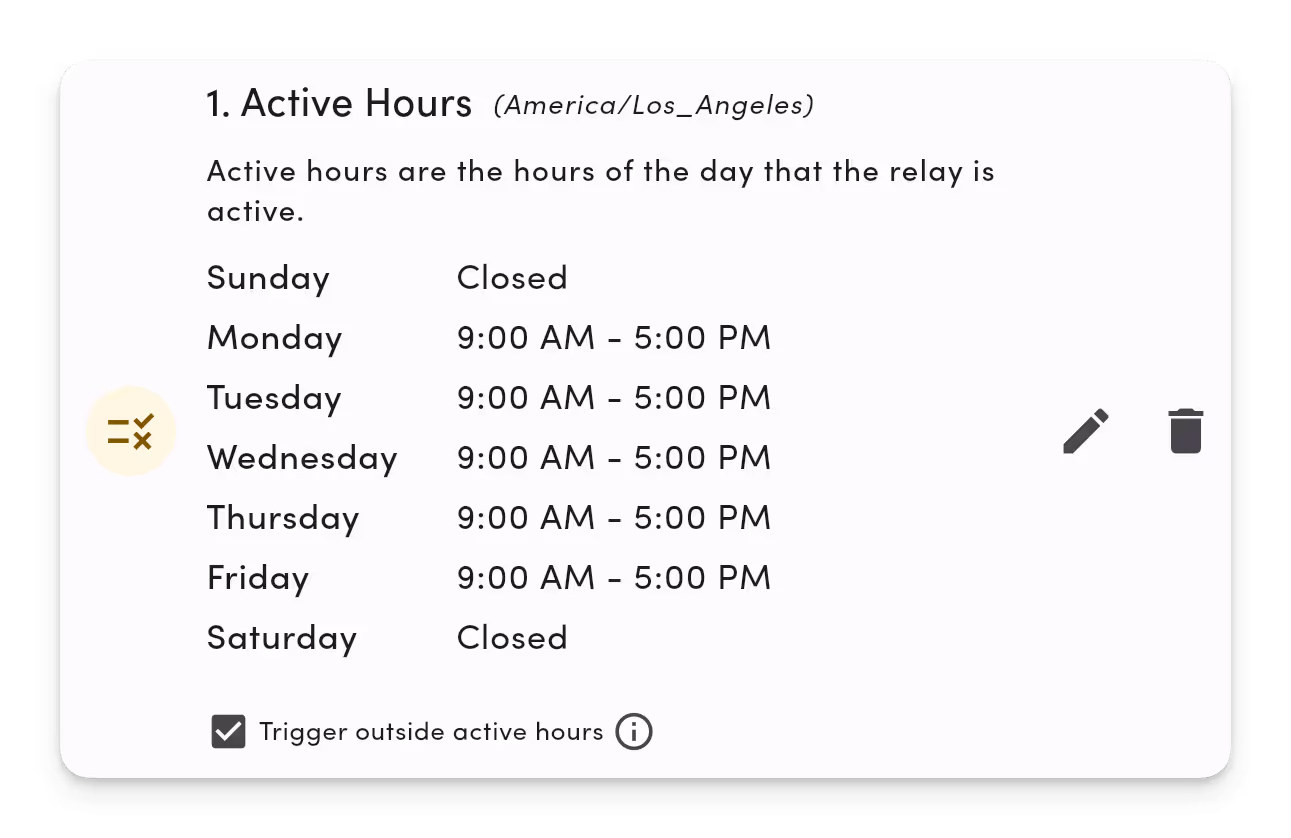
Keep momentum and set expectations even when you're away.
Be ‘always on’ without being online—acknowledge, route, triage, and move on.
- All new messages get an instant acknowledgment.
- Set expectations with automatic responses.
- Collect key info automatically for fast follow-ups.
- Improve after‑hours experiences and response times.
Coming soon to Relays.
Here's what we're working on.
Outbound Webhooks

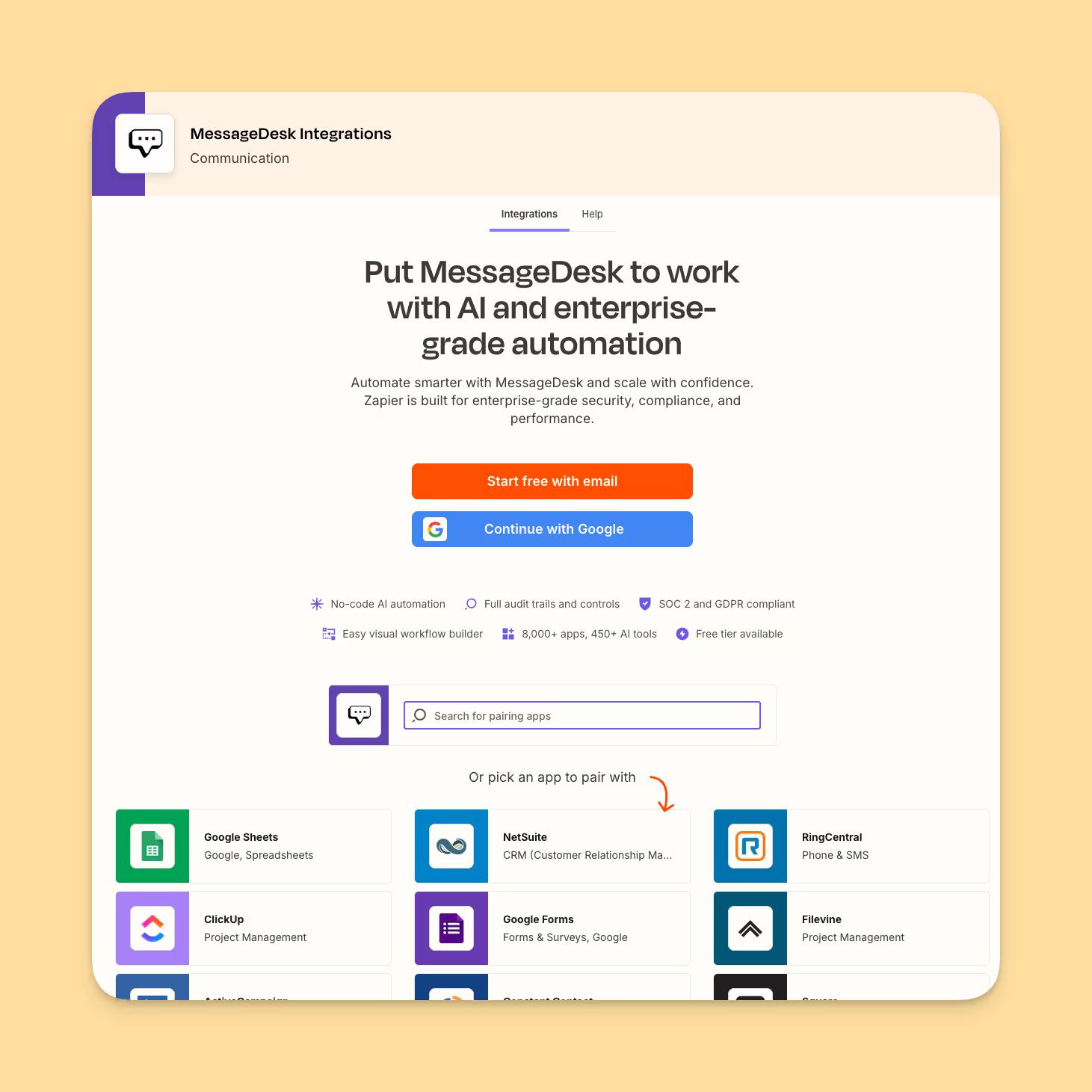
Zapier Integration
Inbound Webhooks
FAQs
Frequently asked Relay and text message automation questions.
Relays are automations inside MessageDesk.
They listen for events (like when a new message comes in) check for certain conditions, and automatically take actions.
Think of them as rules that help your team route, label, or reply to messages automatically.
Yes. You can control Active Hours and Delays for any Relay:
Active Hours: Limit when the Relay runs (e.g., after-hours only).
Delay: Add a short pause between trigger and action (e.g., wait 2 minutes before replying).
This is perfect for managing business hours or creating smoother automations.
Yes. You can create extended workflows using Webhooks and our integration with Zapier.
Relays can send webhook events to external tools like:
Slack or Discord (notifications)
HubSpot, Salesforce, or Pipedrive (CRM updates)
Google Sheets or analytics platforms (data capture)
Zapier or Make (multi-step workflows)
💡 Use the “Send Webhook” action to send MessageDesk events to your own endpoints or apps.
You can automate almost any inbox workflow.
Some of the most popular Relays include:
After-hours auto-repliesKeyword-based replies (“Text ‘Join’ to sign up”).
Auto-assigning conversations to teammates.
Auto-labeling by topic, phone line, or keyword.
Routing messages to the right department or teammate.
Capturing info from unknown contacts (“Can I get your name and email?”).
💡 If you do something repetitive in your inbox, a Relay can probably handle it.
Yes. Once toggled On, Relays run automatically in real time.
They continuously monitor events like “Message Received” or “Conversation Assigned” and act whenever your conditions are met.
If you ever need to stop a Relay temporarily, just toggle it Off, there's no need to delete it.
Relay Templates are ready-made automations that you can install and customize in seconds.
Popular templates include:
After-Hours Auto-Reply
New Lead Capture
Phone Line Routing
Keyword Auto-Response
Auto-Label Conversations
You can modify every part from triggers to wording to teammate assignment.
Additional automated texting resources.
Check out these additional automation resources
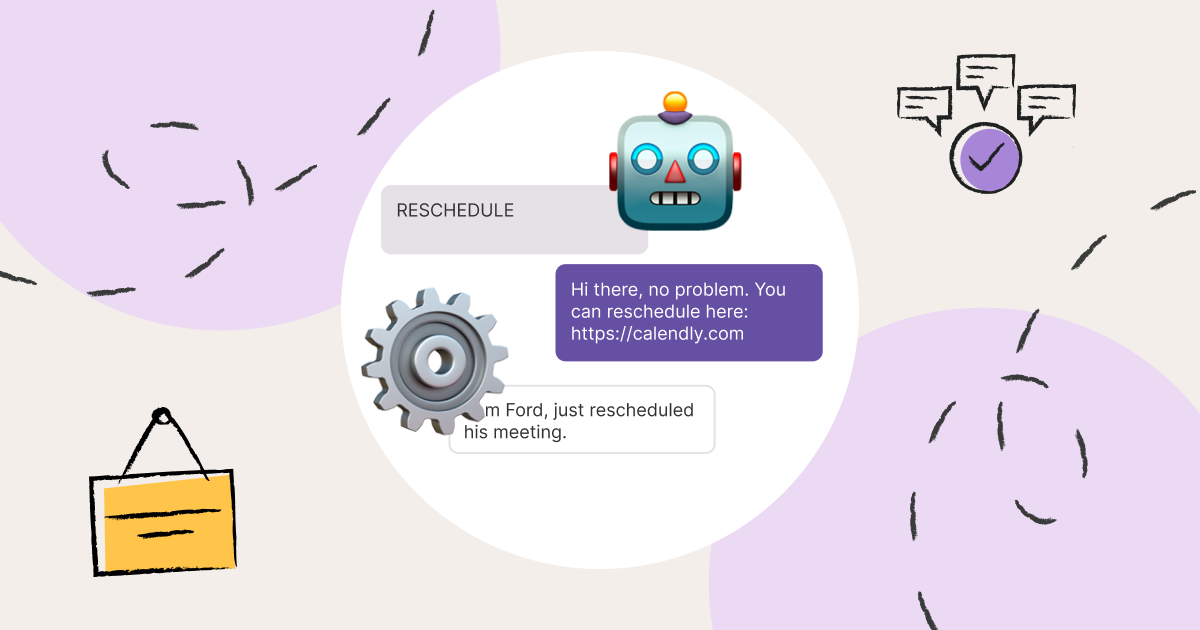
10 Best Automated Text Message Services for Business (2026)

Using Autoresponder Texts + Best Autoresponder Templates
Automated Text Messages Guide | How to Send Automated Texts
